
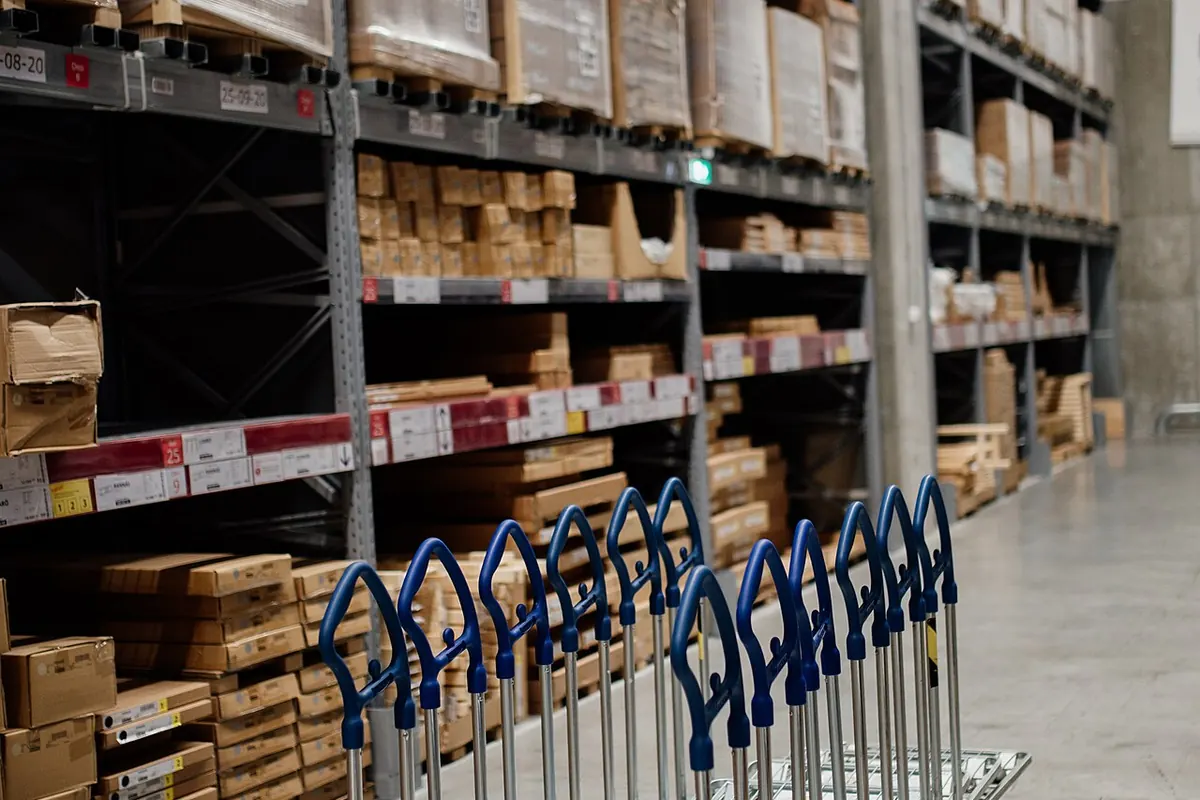
Inventory management software is a digital system that tracks every movement of your stock — what came in, where it is stored, what was sold, and what is left. For small businesses, inventory management software India traders and wholesalers use replaces registers and spreadsheets with live, accurate stock records, low-stock alerts, and one-click reports.
This guide explains what inventory software does, why small businesses need it, and how to choose the right one.
What Is Inventory Management Software?
Inventory management software is a system that records every stock movement automatically: goods arrive, get stored, get sold or issued, and the balance updates on its own. At any moment, you can see exactly how much of each item is in stock, which items are running low, and which items have been sitting unsold for months.
Modern cloud-based tools are built for small traders too — they run directly in a browser, with no heavy setup, and work from the shop, the warehouse, or home.
Why Do Small Businesses Need Inventory Software?
1. It stops lost sales from stockouts. A customer walks in, the item is not there, and they go to another shop. Software sends low-stock alerts, so you know it is time to reorder before the shelf goes empty.
2. It stops money getting stuck in dead stock. Items that have not sold for months are cash sitting on a shelf. Reports show you slow-moving stock at a glance, so you can run an offer or stop reordering it.
3. It removes manual errors. A wrong number in a register or a broken formula in Excel can throw off your whole stock count. Entry by barcode scanning makes such errors almost impossible.
4. It saves hours every week. A stock count that used to take two or three hours becomes a few minutes of work. That time goes back into sales and customers.
5. It lets your whole team work together. The shop, the warehouse, and the office all see the same live stock data, and more than one person can work on it at the same time.
What Should Good Inventory Software Include?
Before choosing a tool, check for these features:
- Stock-in and stock-out tracking — a record of every item received and issued
- Barcode support — print labels and enter stock by scanning
- Rack and row locations — know exactly where each item is stored in the warehouse
- Low-stock alerts — a warning as soon as any item drops below its reorder level
- SKU master — one record per product: name, code, unit, and category
- Reports — stock value, fast- and slow-moving items, and movement history
- Multi-user access — several people working on the same live data
- Search and history — the full past record of any item in one click
Inventory Management Software India: How It Works Day to Day
The daily workflow of inventory software follows five simple steps:
- Goods arrive — stock-in is recorded when a supplier delivery comes in, by barcode scan or manual entry, and the storage location is noted.
- Goods are stored — a rack and row are assigned, so nothing has to be searched for later.
- Goods are sold — when an item is sold or issued, the stock level drops automatically.
- An alert arrives — when any item runs low, a reorder alert appears before it runs out.
- A report is ready — a full stock summary is available at any time, by day, week, or month.
The whole flow is far faster than a manual register — and the chance of error is close to zero.
How to Choose the Right Inventory Software
- Know your own work first. Are you a trader, wholesaler, or retailer? How many items do you carry? Do you need barcodes? Clear requirements make the choice easy.
- Always try the demo. Before buying any software, try its live demo. If it is confusing in the demo, it will be confusing in daily work too.
- Pick a simple interface. Your staff will use it every day. The simpler it is, the fewer mistakes and the less training it needs.
- Cloud or offline? Cloud software gives access from anywhere and automatic backup. Offline software works without internet. Most small businesses today choose cloud.
- Check the support. Ask how quickly you get help when something goes wrong — good support matters as much as good features.
Nitik Stock-Desk: Inventory Software Built for Indian Traders
Nitik Stock-Desk is Nitiksham's inventory management software, built for traders, wholesalers, and distributors. It includes barcode stock-in, rack and row location tracking, a SKU master, and multi-system working — several computers can use it at the same time. You can try the live demo at stock.nitiksham.com and see for yourself how it fits your business.
For pricing and plan details, see the product page.
FAQ
How much does inventory management software cost?
The price depends on the software and its features. Basic tools for small businesses start at a low monthly cost. Always try a demo first and match the software to your own requirements before deciding.
Is inventory software better than Excel?
Yes, once your items and transactions start growing. Excel means manual entry, a high risk of errors, and one user at a time. Software gives barcode scanning, automatic updates, alerts, and multi-user working. We cover this in detail in the last article of this week.
Does a small shop really need inventory software?
If you carry more than 50 items or make more than 10 sales a day, the benefit shows immediately. Even for a small shop, the time saved and the errors avoided are reason enough.
How long does it take to set up inventory software?
A cloud-based system is usually set up within a day: add your item list, enter opening stock, and start working. The first stock entry takes the most time; after that, daily work becomes routine.
What next? If you are looking for inventory software for your business, try the Nitik Stock-Desk demo or contact us. To get business tips like this regularly, join our newsletter through the subscribe form on our website.