
How to manage inventory for a small business comes down to three simple things: knowing what you have, knowing where it is, and knowing when to reorder. Most stock problems — stockouts, dead stock, wrong counts — come from missing just one of these. The seven ways below work for any small trader, wholesaler, or shop, with or without software.
Read them in order: each one builds on the one before it.
1. Give Every Item One Code
Every item needs a single, unique code — called a SKU. "Blue pipe 2 inch" and "Pipe blue 2\"" might be the same item written two ways, and that is how stock counts go wrong. One item, one code, one name, one unit — always written the same way. A printed barcode label on the item makes this even stronger: scanning beats typing every time.
2. Record Every Stock-In and Stock-Out
Stock goes wrong the moment a movement is not recorded. Goods arrive and nobody writes it down; goods go out and the entry is forgotten. The rule is simple: no movement without a record. Stock-in when a supplier delivery arrives, stock-out when an item is sold or issued — entered at the time it happens, not at the end of the day from memory.
3. Put Everything in a Fixed Place
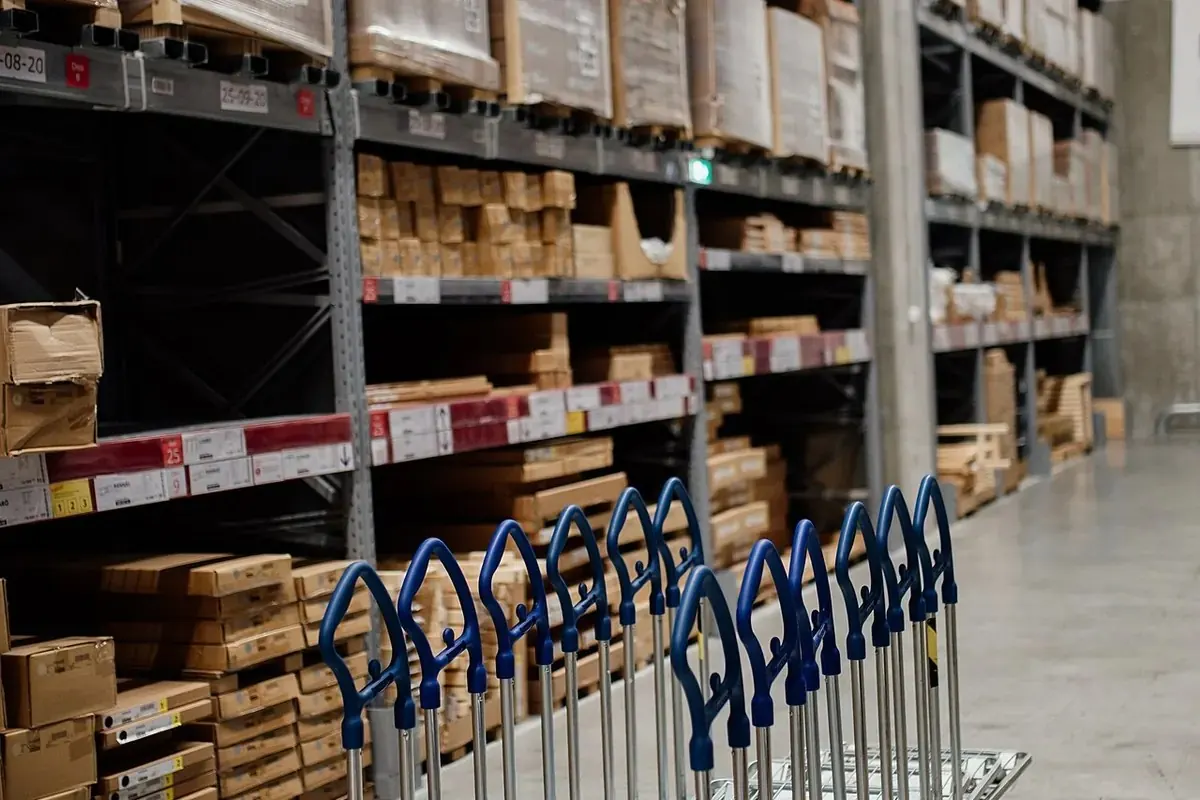
Every item should have a fixed storage location — a rack and a row. When staff know exactly where each item lives, there is no searching, no guessing, and no "it must be somewhere in the back". A fixed place also makes counting far faster: you check a location, not the whole warehouse.
4. Set a Reorder Level for Each Item
A reorder level is the stock number at which you order more — before the item runs out. For example, if you sell 10 pieces a day and your supplier takes 3 days to deliver, you should reorder when stock drops to 30, not when it hits zero. Set a level for your top-selling items first; they are the ones whose stockout costs you the most.
5. Count Stock Regularly — In Small Parts
A full stock count once a month is a big, painful job. A better way is to count a small part every week — one rack, one category, one shelf. This is called cycle counting. Small, regular counts catch errors early, and the monthly full count becomes a quick verification instead of a whole day's work.
6. Watch Your Slow-Moving Stock
Some items sell fast; some sit for months. The slow ones are cash sitting on a shelf. Once a month, look at what has not sold: run an offer on it, bundle it with a fast seller, or stop reordering it. Knowing which items are slow is just as valuable as knowing which are fast.
7. Use One System Everyone Shares
The moment two people keep two separate records — one at the shop, one at the warehouse — the records stop matching. One shared system, one live stock record, everyone working on the same numbers. That is the single change that fixes the most stock problems.
A Simple Weekly Stock Routine
| When | What to do |
|---|---|
| Daily | Record every stock-in and stock-out as it happens |
| Daily | Check low-stock items and place reorders |
| Weekly | Count one rack or category (cycle count) |
| Weekly | Check for items that have not sold in a while |
| Monthly | Full stock count and a slow-moving stock review |
Follow this routine and your stock record stays close to reality — which is the whole point of managing stock.
When Do These 7 Ways Need Software?
These seven ways work on paper or in Excel for a very small business. But once you carry more than 50 items or make more than 10 sales a day, doing them by hand becomes slow and error-prone. That is when software earns its place: barcode scanning replaces typing, alerts replace manual checking, and reports replace end-of-month detective work. Our Excel vs inventory software guide covers exactly when to make that switch.
For the full picture of what inventory software does, see our inventory management guide.
Try Nitik Stock-Desk
Nitik Stock-Desk is inventory software built for Indian traders and wholesalers — barcode stock-in, rack and row locations, low-stock alerts, a SKU master, and multi-system working, all in one place. It puts all seven ways above into one simple system. You can try the live demo at stock.nitiksham.com.
For pricing and plan details, see the product page.
FAQ
How often should I count my stock?
Count a small part every week (one rack or category) and do a full count once a month. Weekly cycle counts catch errors early and make the monthly count much faster.
What is a reorder level?
The stock number at which you place a new order — set high enough that you do not run out while waiting for delivery. It depends on how fast the item sells and how long your supplier takes.
Can a small shop manage stock without software?
Yes — for a very small shop, these seven ways work on paper or in a spreadsheet. Software becomes worth it once items, sales, or staff grow past the point where manual work stays accurate.
What next? If managing stock by hand is taking too much of your time, try the Nitik Stock-Desk demo or contact us. For more business tips, join our newsletter.